Install .net Framework 3.5 on Windows 10

I tried to run tools like mRemote which needs .net Framework 3.5. Typically you can activate this within “Program & Features” but in Windows 10 I always got the error 0x800F081F:
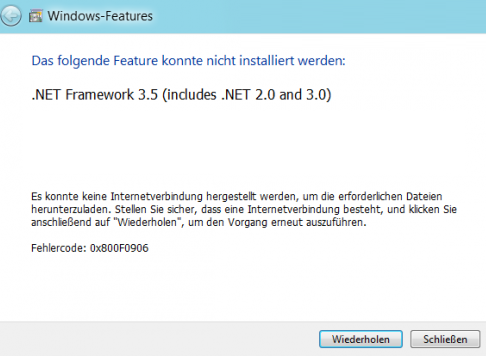
netframeworkerror

but there is a way to install this feature completely offline. Just mount the Windows 10 ISO an start this command:

DISM /Online /Enable-Feature /FeatureName:NetFx3 /All /LimitAccess /Source:d:\sources\sxs

after this, NetFx3 is installed:

netframeworkinstall

Leave a Reply

You are currently viewing a placeholder content from Default. To access the actual content, click the button below. Please note that doing so will share data with third-party providers.

More Information

This site uses Akismet to reduce spam. Learn how your comment data is processed.

Certificates

ekahau Certified Survey Engineer
ATP_wsrgb
ACMP2
suca
Post Categories
Post Archives